Inventory Allocation: Just-in-Time & Soft Allocation

Talk to a fulfillment consultant today
Updated 2026
When an ecommerce fulfillment order arrives, the inventory it needs gets reserved. The question is when to lock that inventory to specific pallets.
With soft allocation, Flowspace reserves inventory when an order is created and locks it to physical locations only when picking begins, so allocation matches how warehouses actually work.
Soft first, hard at picking
Think of it as holding a seat versus assigning one: While an order is Open, On Hold, or Needs Action, its inventory is soft allocated—reserved, but not tied to specific pallets. When picking begins, Flowspace hard allocates it to pallet locations.
Orders that request a specific lot number or use pallet UOM are exceptions: they are hard allocated when they enter the Open state so those requirements remain protected. Work Orders use the same allocation model, but they have allocation priority over outbound orders. Pick locations are assigned when picking begins, not when an order opens.
If an order moves from Picking back to Open, Flowspace releases the hard allocation and returns the inventory to its previous location while keeping it soft allocated.
What changes for warehouses
- Fewer unnecessary picks: Allocation lines up with the picking workflow, which reduces split and unnecessary picks.
- Better FEFO and FIFO sequencing: Flowspace selects inventory closer to the pick, so it follows expiration and receiving order more closely.
- Fewer workarounds: Inventory adjustments conflict less with reserved stock, and out-of-stock situations need fewer manual fixes.
- Safer picking: Pick tickets and packing slips become available once an order is in Picking, so no one picks against unallocated inventory.
What changes for brands
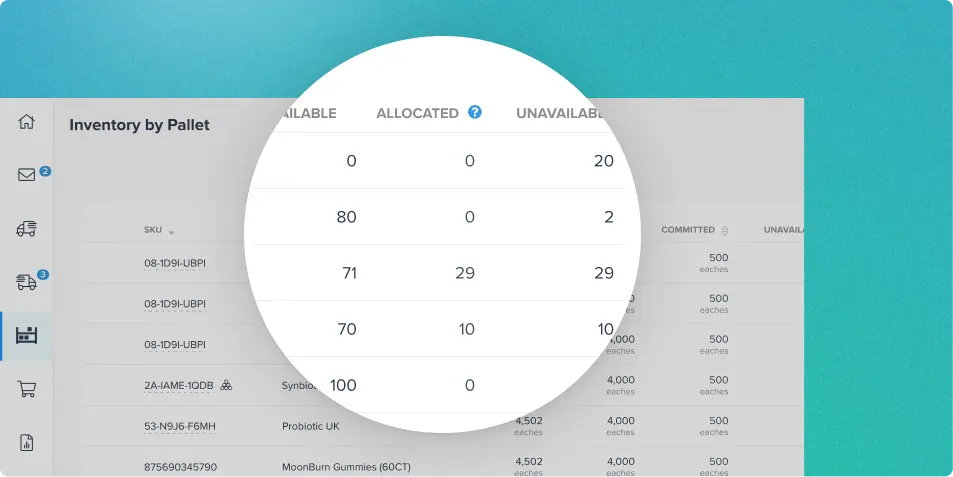
The Inventory by SKU report now includes a Committed column showing inventory reserved for active orders, including both soft and hard allocations. SKUs with zero inventory also appear, giving you visibility into the full catalog.
Shopping carts continue to receive available-inventory quantities with committed stock subtracted. The Inventory by Pallet view shows only hard-allocated inventory, allowing you to distinguish inventory reserved at the SKU level from inventory already assigned to specific pallet locations.
The bottom line
Inventory is committed when it's useful, not before. That keeps allocation flexible as conditions change on the warehouse floor, and helps fulfillment centers pick only what they need.
Curious how smarter allocation could streamline your picking? Book a demo to see it in action.
Last Updated
Category
More product updates
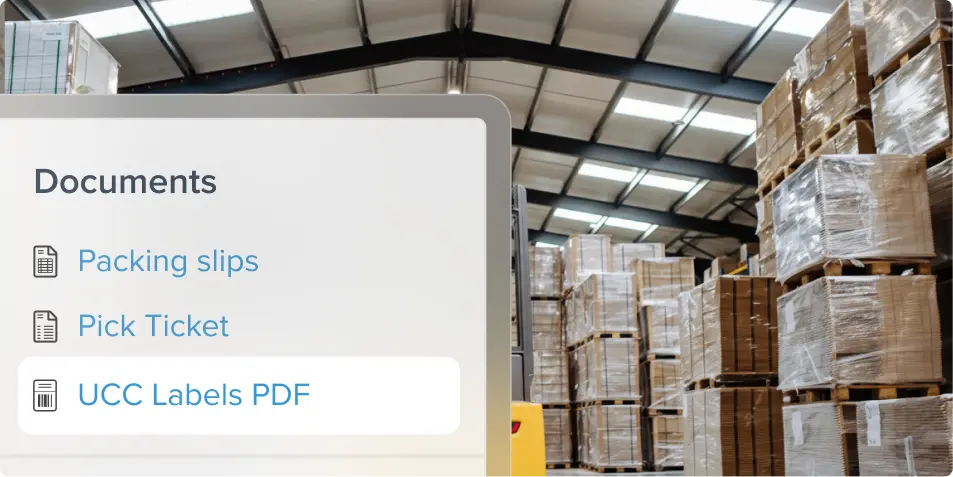
Retail compliance with UCC labels and carrier rules
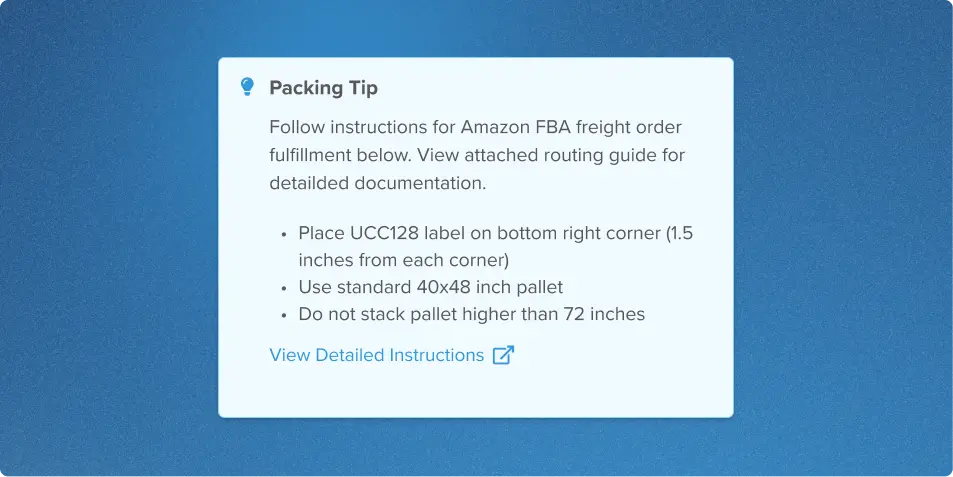
Packing Tips: Smarter warehouse packing instructions
Start simplifying fulfillment with Flowspace today
Discover how Flowspace can simplify fulfillment and help your brand scale faster, with no long-term contracts or hidden commitments.
