Order fulfillment automation with custom rules

Talk to a fulfillment consultant today
Updated 2026
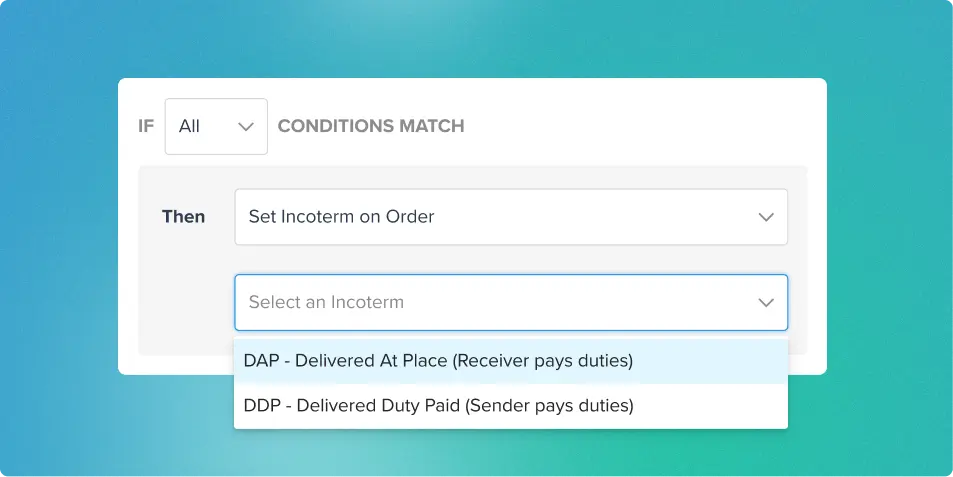
Every ecommerce order has its quirks: a PO Box address, an international shipment requiring DDP or DAP, or a retailer with specific carrier rules. Flowspace's order automation rules handle them for you, applying IF/THEN logic to every new order the moment it opens, with no manual steps.
What order automation does
Order automation rules take the repetitive decisions out of order handling. When an order meets a certain condition, such as its destination, its SKUs, or the retailer it’s for, Flowspace automatically takes the matching action, like holding the order, choosing a carrier, or flagging it for review.
Put rules to work
- Catch PO Boxes: Flowspace scans the address of each US-bound order for common variations of "PO Box," including formats such as P.O. Box, POB, and Post Office Box. Hold those orders for review, or request a specific parcel carrier and service, such as USPS.
- Set DDP or DAP by destination: Choose who pays duties and taxes. DAP (Delivered At Place) means the recipient pays duties and taxes, while DDP (Delivered Duty Paid) means the sender pays them in advance.
- Assign carriers and service levels: Match a retailer's requirements automatically by requesting a specific carrier, with a set service level or the lowest price within that carrier.
- Require manual packing: Send fragile, oversized, or special-handling orders to a packer instead of auto-pack.
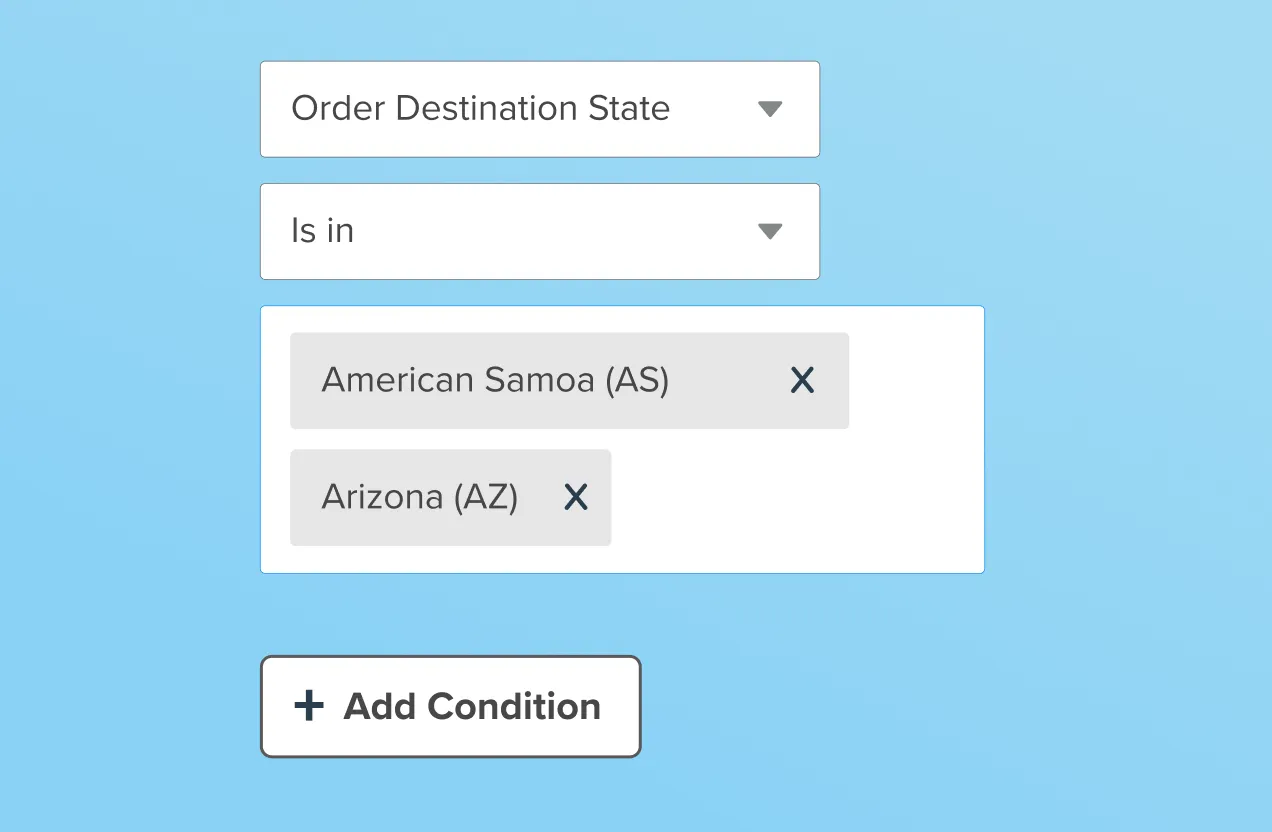
- Route by state: Use the Order Destination State condition to apply rules to selected states or provinces. This can support state-specific carrier restrictions, requested service levels, excluded carriers, transportation modes, or other routing requirements.
Rules can also add tags, set or override an order’s channel, require a signature, or mark an order as “Needs Action” so your team knows it requires attention or review.
Example rules
- IF the destination country is Canada, THEN set DAP. IF it's Germany, France, or Italy, THEN set DDP.
- IF the order is headed to a PO Box, THEN place it on hold.
- IF the SKU starts with "FRAGILE-", THEN add a packing tip for your warehouse team.
Fewer manual reviews
Instead of reviewing orders one by one, the logic lives in your rules, and every new order follows it. That means fewer manual reviews and more confidence that each order ships the right way.
Want fewer manual order reviews? Book a demo to see order automation in action.
Last Updated
Category
More product updates
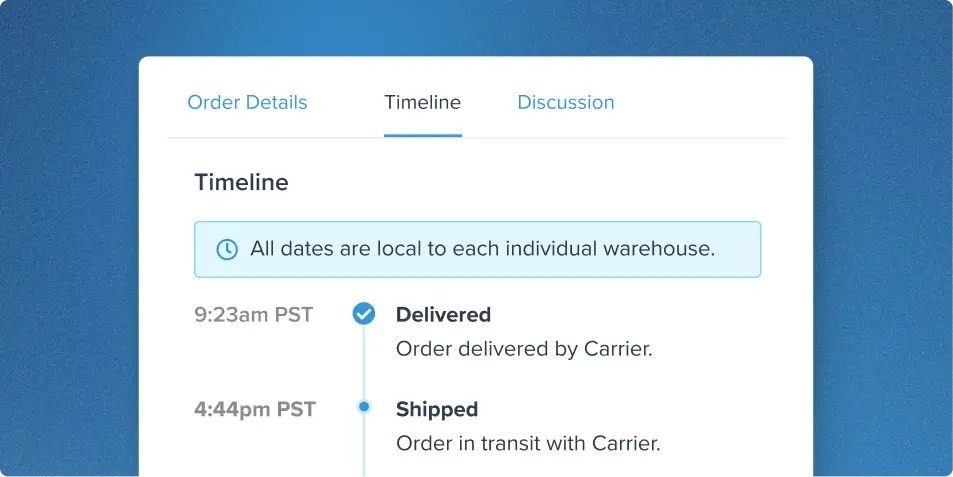
Flexible order management: Edit, replace, cancel and track
Start simplifying fulfillment with Flowspace today
Discover how Flowspace can simplify fulfillment and help your brand scale faster, with no long-term contracts or hidden commitments.
