Low inventory alerts: Avoid stockouts across warehouses

Talk to a fulfillment consultant today
Updated 2026
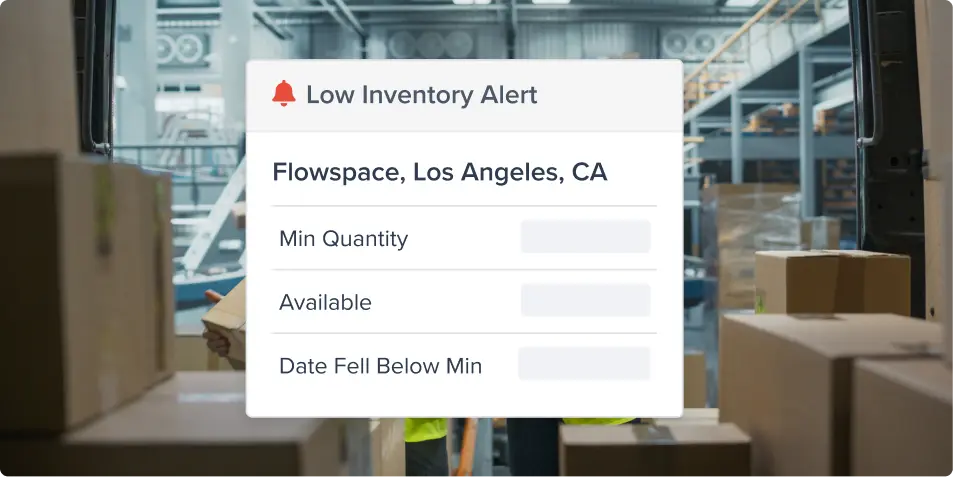
Stockouts rarely announce themselves. Low inventory alerts help ecommerce brands manage inventory across multiple fulfillment centers by letting you set a minimum quantity for each product at each warehouse, then notifying you when available stock falls below it.
Set a minimum for every warehouse
Set minimum quantities when you create a product, or add and adjust them any time from the Product page. When your inventory sits in different warehouses, each location gets its own threshold. A SKU that's healthy in Los Angeles can still run low in Chicago, and you'll know about both.
For example, set a minimum of 500 units for a bestseller in Chicago. When available stock at that warehouse falls below the configured minimum, Flowspace flags the SKU.
Get the alert where you work
You can see low-stock SKUs in several places:
- Email alerts: Flowspace emails you when available stock drops under a warehouse minimum.
- Dashboard shortcut: Click Low Inventory Alerts on your dashboard to open your inventory page, already filtered to SKUs below their minimum.
- Bell icons: A bell appears next to every SKU with an alert. Red means stock is below the minimum at that warehouse. Grey means the alert is on, but you're still above the minimum.
- Filters: Use the Low Inventory Alerts filter on your Product, Inventory, Inventory by SKU, and Inventory by Warehouse pages to see every SKU with an alert, or only those below their minimum.
Stay ahead of stockouts
A low-stock alert gives you an opportunity to replenish before inventory becomes unavailable or orders are delayed. Instead of discovering an inventory issue only after an order is affected, you can take action early.
Want to stay ahead of stockouts? Book a demo to see low inventory alerts in action.
Last Updated
Category
More product updates
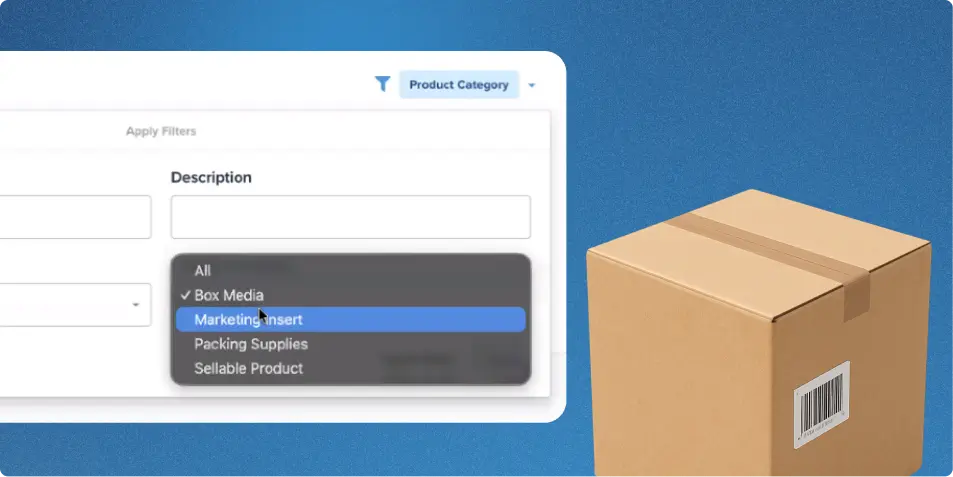
Inventory management updates: See your inventory beyond the sellable SKU
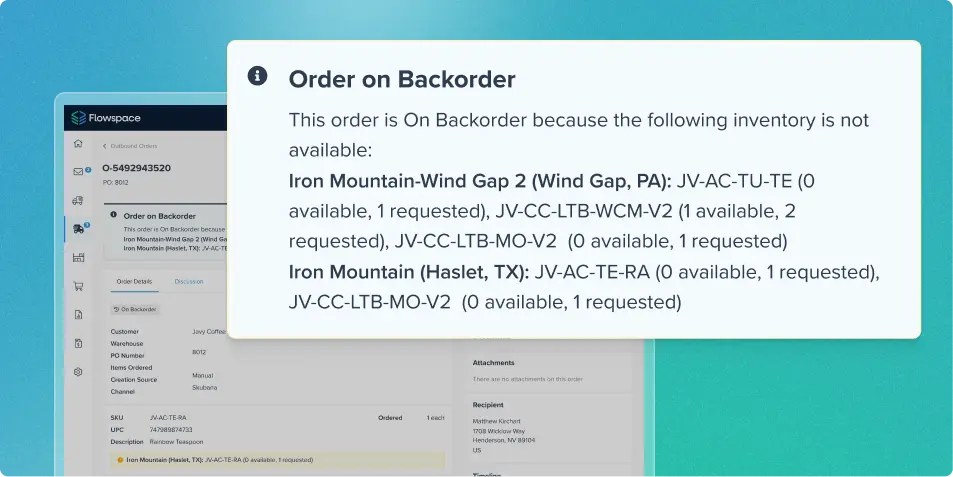
Backorder visibility for better inventory management
Start simplifying fulfillment with Flowspace today
Discover how Flowspace can simplify fulfillment and help your brand scale faster, with no long-term contracts or hidden commitments.
