Backorder visibility for better inventory management

Talk to a fulfillment consultant today
Updated 2026
A backorder rarely has a single cause. In ecommerce fulfillment, orders with several SKUs spread across multiple warehouses can stall for reasons that are hard to see.
These four tools show you what's blocking each order and give you ways to move it along.
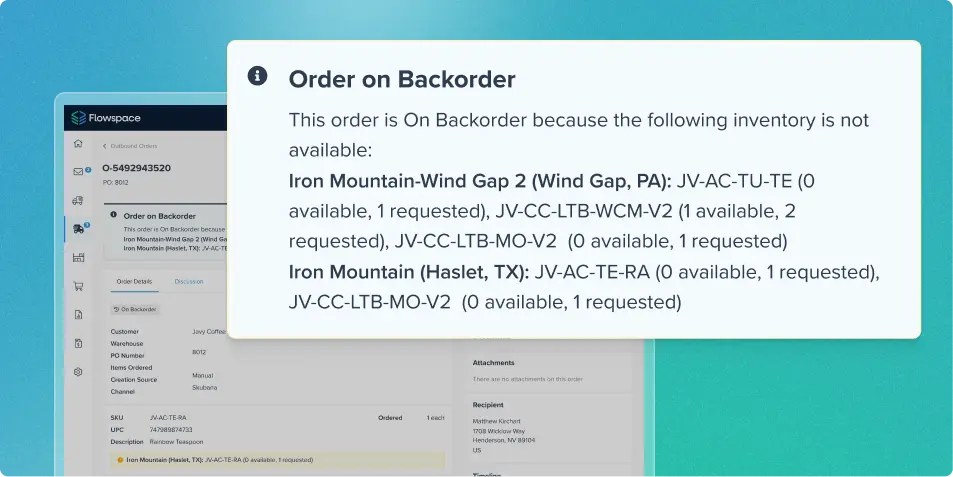
Backorder Insights: See what's blocked, order by order
Open any backorder and see which SKUs are out of stock at each facility, so you know exactly how to edit the order to get it moving. You can also see which backorders a particular SKU is holding up.
Let substitutions do the work
When a primary SKU isn't available, Flowspace now considers its substitute SKU before leaving an order in backorder. With "Ship from closest in stock location" on, Flowspace checks the primary SKU at each warehouse from nearest to farthest, then does the same for the substitute. If neither is in stock anywhere, the order stays in backorder.
Choose how orders route
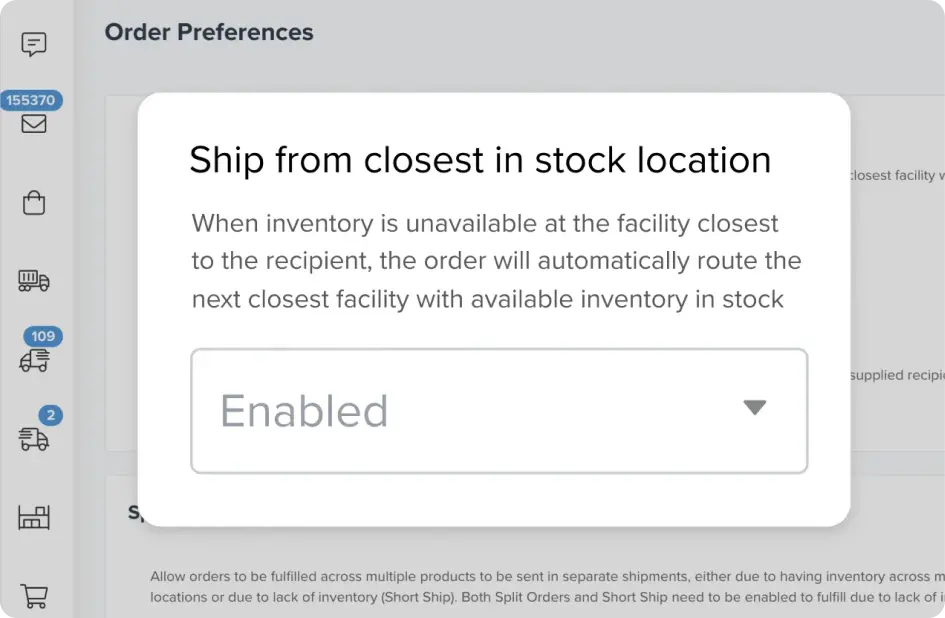
By default, Flowspace sends each order to the warehouse closest to the recipient that has inventory. If you'd rather avoid shipping heavy items long distances, or you know stock is arriving at a better location soon, you can turn the setting off.
When the closest warehouse is out of stock, the order then goes to backorder (if you have backorders enabled) instead of a farther warehouse. For orders already in backorder or Needs Action, you can also change the warehouse in bulk.
Track every backorder in one report
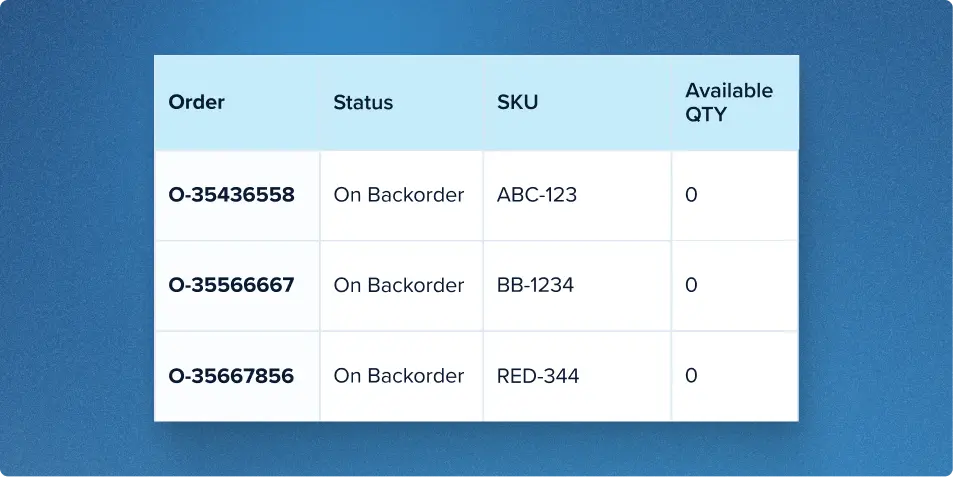
The Backorder Report, available in the Reporting Center, lists Flowspace backorders with their order number, PO number, channel, status, and recipient location. At the SKU level, it shows requested, available, and backordered eaches, plus available quantity and restock date by location. It also shows how many days have passed since each order was created.
Filter by created date to investigate aging backorders and identify the SKUs associated with the greatest shortages. The report reflects backorder data in real time when it is generated.
Want fewer stalled orders? See our real-time visibility in action.
Last Updated
Category
More product updates
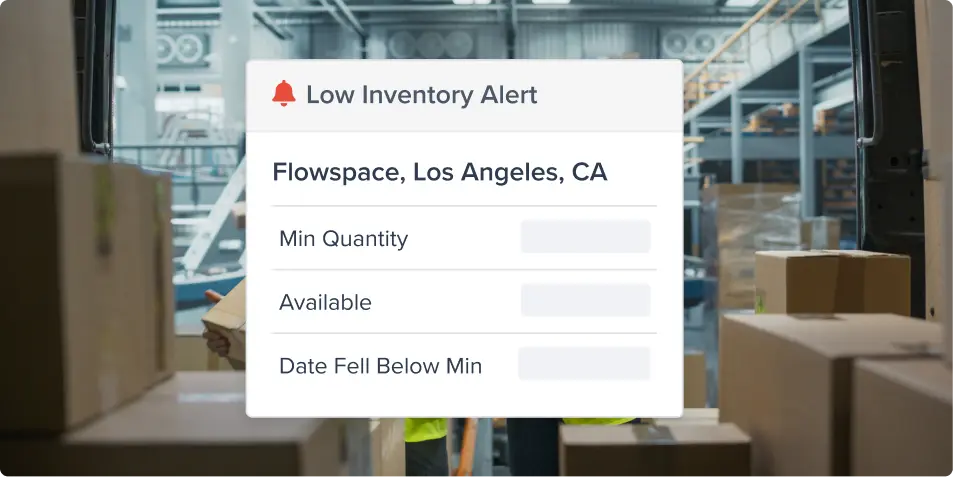
Low inventory alerts: Avoid stockouts across warehouses
Inventory management updates: See your inventory beyond the sellable SKU
Start simplifying fulfillment with Flowspace today
Discover how Flowspace can simplify fulfillment and help your brand scale faster, with no long-term contracts or hidden commitments.
