Inventory management updates: See your inventory beyond the sellable SKU

Talk to a fulfillment consultant today
Updated 2026
Good inventory visibility goes beyond a count of sellable SKUs. These three inventory management features help ecommerce brands organize their catalogs, track packaging inventory, and plan ahead.
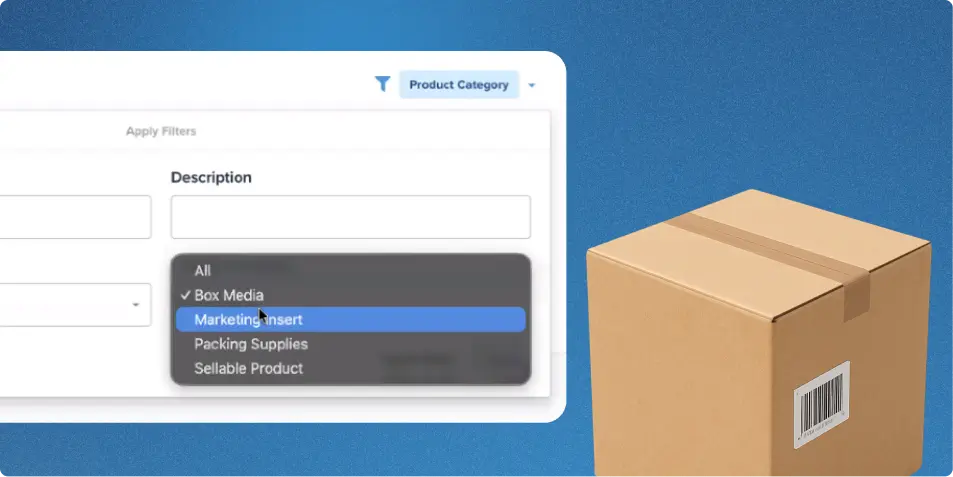
Product categories
Every product in your catalog now has a category.
- Sellable products are the items you sell to customers.
- Box media covers branded or generic shipping boxes.
- Marketing inserts are flyers, coupons, and other items you tuck into an order.
- Packing supplies include tape, padding, and similar materials.
Choose a category when you create a product or include it in your CSV upload, and edit it any time from the product page. Then filter your inventory dashboard and product pages by category, and see a Product Category column in your Inventory by SKU, Inventory by Pallet, and Product reports.
Box inventory visibility
Assign a box SKU the Box Media category and have it mapped to the corresponding physical box at the warehouse. Once mapped, Flowspace decrements the SKU’s inventory in real time when that box is selected during packing, including through manual packing, auto-pack, or cache-pack workflows.
You can view box inventory by warehouse on your inventory pages and filter by Box Media to focus on packaging.
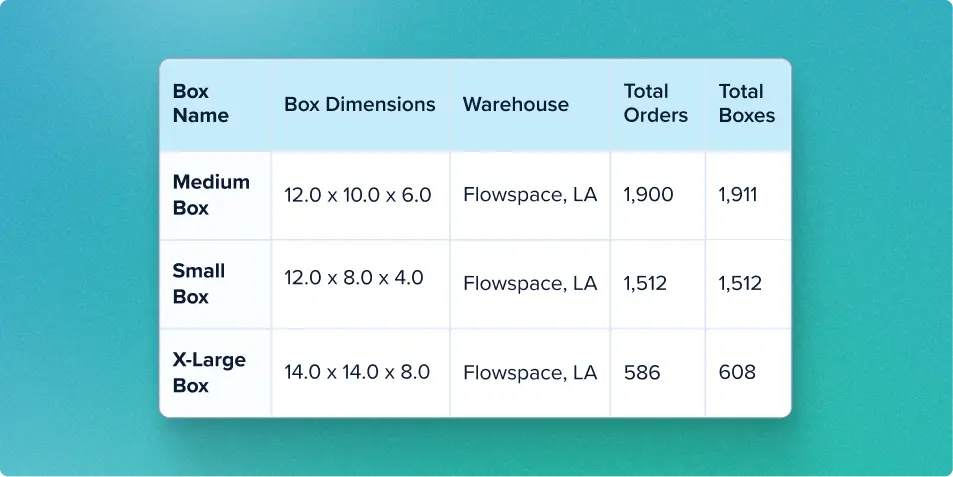
Box Usage Report
The Box Usage Report estimates how many boxes you use over time. Generate it in the Reporting Center by packed date, and filter by warehouse to see total orders and total boxes by box name and dimensions. Use the report to identify trends and plan packaging purchases.
Together, these features give you a fuller picture of your inventory, from the products you sell to the boxes you ship them in. Categorize your catalog, watch your box stock, and see how fast you use it.
Want full visibility into your inventory? Reach out and see these tools in action.
Last Updated
Category
More product updates
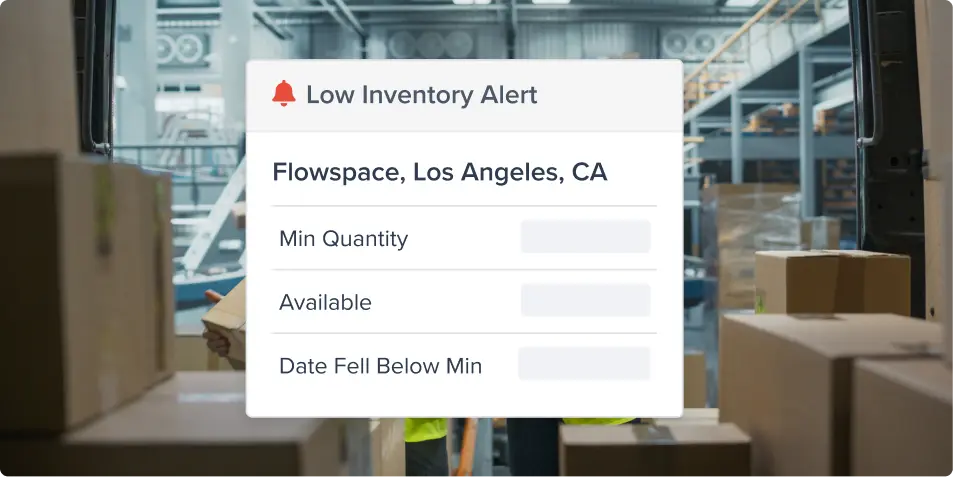
Low inventory alerts: Avoid stockouts across warehouses
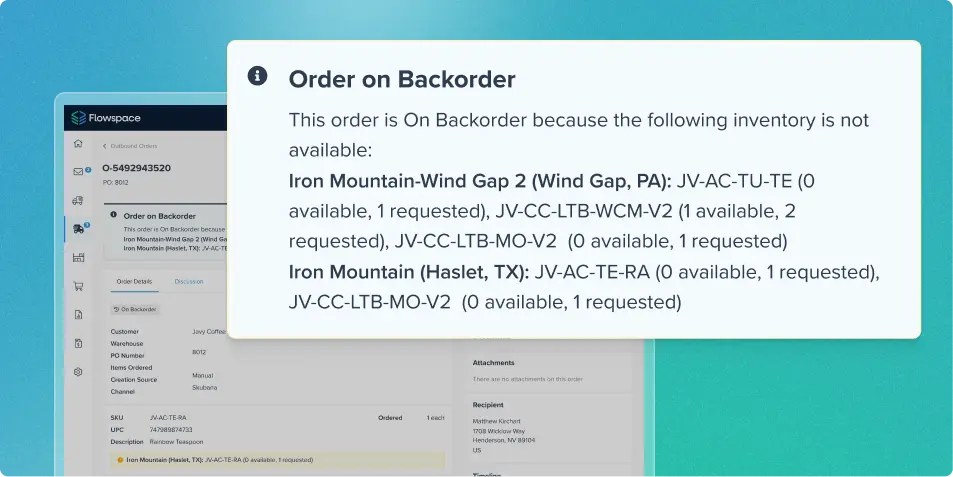
Backorder visibility for better inventory management
Start simplifying fulfillment with Flowspace today
Discover how Flowspace can simplify fulfillment and help your brand scale faster, with no long-term contracts or hidden commitments.
