Ecommerce fulfillment reporting updates

Talk to a fulfillment consultant today
Updated 2026
In ecommerce fulfillment, reporting only helps when the numbers match what's happening in the warehouse. Here are four highlight features that make Flowspace’s dates, averages, and inventory records easier to trust and easier to reconcile.
Required Ship Date
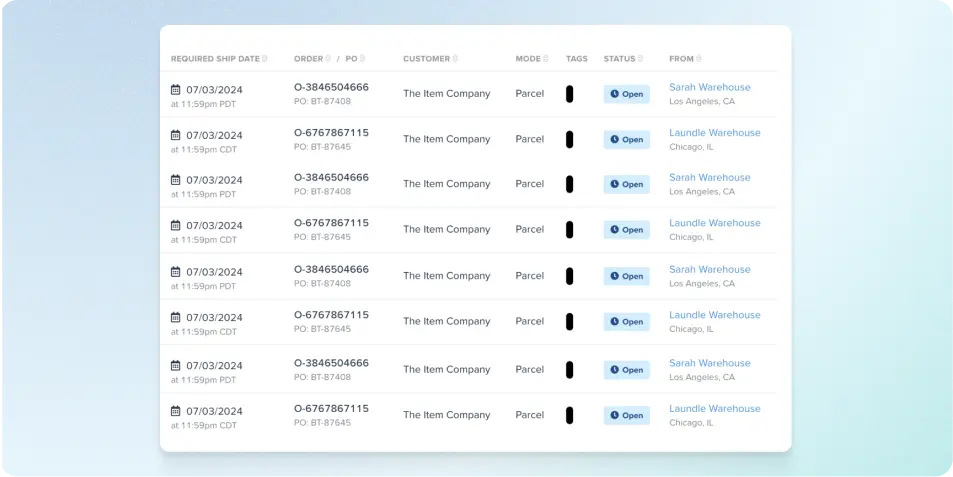
Flowspace calculates each order’s Required Ship Date using operational and warehouse-specific factors, including:
- Validation timing
- Warehouse-local time
- Weekends and holidays
- Future ship-date requirements
The date helps teams understand when an order is due. If an order is reassigned or returns to processing after being placed on hold, Flowspace recalculates the date.
SKU Activity Report
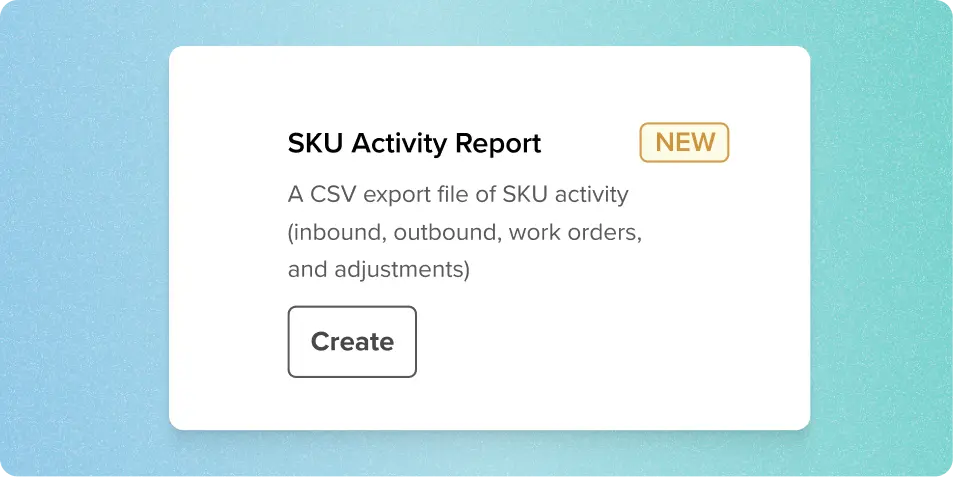
The SKU Activity Report provides a detailed history of inventory activity for each SKU. It includes:
- Inbound and outbound orders
- Inventory adjustments
- Kitting work-order inputs and outputs
- Lot and expiration details
- Quantities processed in eaches and cases
- Quantities allocated to applicable outbound orders
Use it to trace inventory movements and reconcile SKU activity against on-hand totals.
Time zone standardization
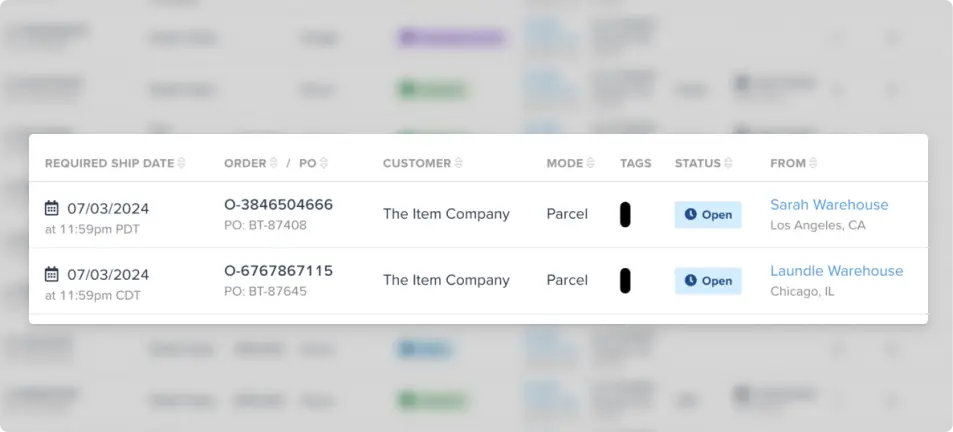
- Order pages: Dates show in the local time zone of the warehouse currently assigned to the order, rather than in the viewer’s time zone. Orders without an assigned warehouse, such as some backorders, use the viewer’s time zone.
- Shipped date: The order page shows the actual shipped date instead of the carrier induction date, aligning the order view with reporting and billing.
- Reports: In the Reporting Center, reports that contain dates generally include a Time Zone column next to the last date column. A time-zone field also appears when you generate a report.
- Which time zone: Order reports generally use warehouse-local time, while financial reports use Pacific Time to align with billing. Some reports may have separate formatting rules, including the SKU Activity Report, which is documented as using Pacific Tim
Delivered-only transit time
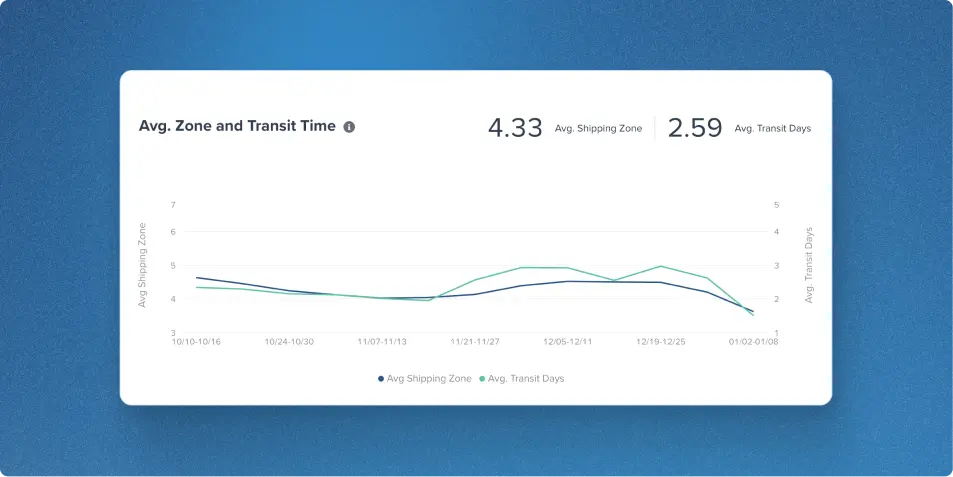
The Avg. Zone and Transit Time and Network Optimization graphs on your dashboard now average transit days for delivered orders only, so shipments still in transit no longer skew the numbers.
Here’s how it works:
- Transit time runs from the ship date to the first delivery date Flowspace receives.
- An order counts as delivered once any one of its packages or tracking numbers is marked delivered, even if other packages are still in transit.
- Helper text on both graphs explains the logic.
Averages update as more orders are delivered, so very recent date ranges may look artificially low, because the fastest deliveries show up first.
Together, these updates give you dates, averages, and inventory records that match what’s happening on the warehouse floor, so you spend less time reconciling and more time acting on your data.
Want to see more? Book a demo to see the platform in action.
Last Updated
Category
More product updates
Start simplifying fulfillment with Flowspace today
Discover how Flowspace can simplify fulfillment and help your brand scale faster, with no long-term contracts or hidden commitments.
