Reorder Point Formula: Definition, Calculation & Example


Table of contents
Talk to a fulfillment consultant today
Knowing when to replenish inventory is an important part of ecommerce inventory management. Ordering too early can increase storage costs, while ordering too late can leave products unavailable when customers are ready to buy.
The reorder point formula helps businesses determine when to place a replenishment order based on expected sales during supplier lead time and additional safety stock.
In this guide, we'll explain how to calculate a reorder point, walk through a practical example, and explore when businesses should review their inventory replenishment thresholds.
What Is a Reorder Point?
A reorder point (ROP) is the inventory threshold that signals when a business should place a new order to replenish stock.
It helps businesses plan replenishment before inventory is depleted by accounting for the number of units expected to sell while waiting for a supplier delivery.
Reorder points are calculated for individual products or SKUs because sales patterns, lead times, and safety stock requirements can vary.
A reorder point determines when to reorder, not how many units to order. Replenishment quantity is a separate decision based on factors such as expected sales, supplier requirements, ordering costs, and available warehouse capacity.
Reorder Point Formula: How to Calculate It
The reorder point formula combines expected sales during replenishment lead time with additional safety stock.
Reorder Point = (Average Daily Demand × Average Lead Time) + Safety Stock
The formula uses three inputs:
- Average daily demand: The average number of units sold or used each day.
- Average lead time: The typical number of days between placing a replenishment order and receiving inventory ready for use.
- Safety stock: Additional inventory maintained to help account for unexpected changes in sales or replenishment delays.
Step 1: Calculate Lead Time Demand
Lead time demand represents the number of units expected to sell while waiting for new inventory.
Lead Time Demand = Average Daily Demand × Average Lead Time
For example, if a business sells 10 blenders per day and supplier replenishment takes 30 days:
10 × 30 = 300 blenders
The business expects to sell 300 blenders during the replenishment period.
Step 2: Calculate Safety Stock
Safety stock provides an additional inventory buffer when actual sales or supplier lead times differ from expectations.
One simplified method is:
Safety Stock = (Maximum Daily Demand × Maximum Lead Time) − (Average Daily Demand × Average Lead Time)
Using the same blender example:
- Average daily demand: 10 blenders
- Maximum daily demand: 15 blenders
- Average lead time: 30 days
- Maximum lead time: 40 days
Safety Stock = (15 × 40) − (10 × 30)
Safety Stock = 600 − 300 = 300 blenders
This simplified calculation provides an illustrative buffer. Actual safety stock requirements depend on demand variability, lead time uncertainty, and inventory availability objectives.
For a more detailed explanation, read our guide to calculating safety stock.
Step 3: Calculate the Reorder Point
Once you know the lead time demand and safety stock, add them together:
Reorder Point = 300 + 300 = 600 blenders
In this hypothetical example, the business should plan to place a replenishment order when its inventory position reaches 600 blenders.
Inventory position generally includes on-hand inventory plus outstanding replenishment orders, minus backorders and other commitments not already deducted from the available quantity. Monitoring inventory position helps businesses avoid placing unnecessary replenishment orders when additional stock is already on the way.
Reorder Point Calculation Summary
The table below summarizes the inputs and calculations used in the blender example.
When Should You Recalculate Reorder Points?
Reorder points should be reviewed whenever sales patterns, supplier lead times, or inventory requirements change.
Common situations include:
- Seasonal sales changes: Holiday shopping periods, back-to-school sales, and promotional events may affect daily sales volumes.
- Supplier lead time changes: Manufacturing or transportation delays may change how long replenishment takes.
- New product launches: New SKUs may require updated calculations as sales history becomes available.
- Changes in sales velocity: Products that sell faster or slower than expected may need different reorder thresholds.
- Inventory planning updates: Changes to safety stock targets or fulfillment locations may affect replenishment requirements.
Reviewing reorder points regularly helps businesses align purchasing decisions with actual sales and replenishment conditions.
Using Inventory Data to Manage Reorder Points
An inventory management system can help businesses monitor stock levels, evaluate sales history, and identify products that may need replenishment.
Accurate inventory data is particularly important when businesses manage multiple SKUs, warehouses, or sales channels.
Reorder point calculations can support replenishment planning, but they should be reviewed alongside supplier performance, purchase orders, and inventory availability.
Manage Inventory Replenishment with Flowspace
Flowspace helps ecommerce and omnichannel brands monitor inventory across fulfillment locations through an integrated inventory management platform.
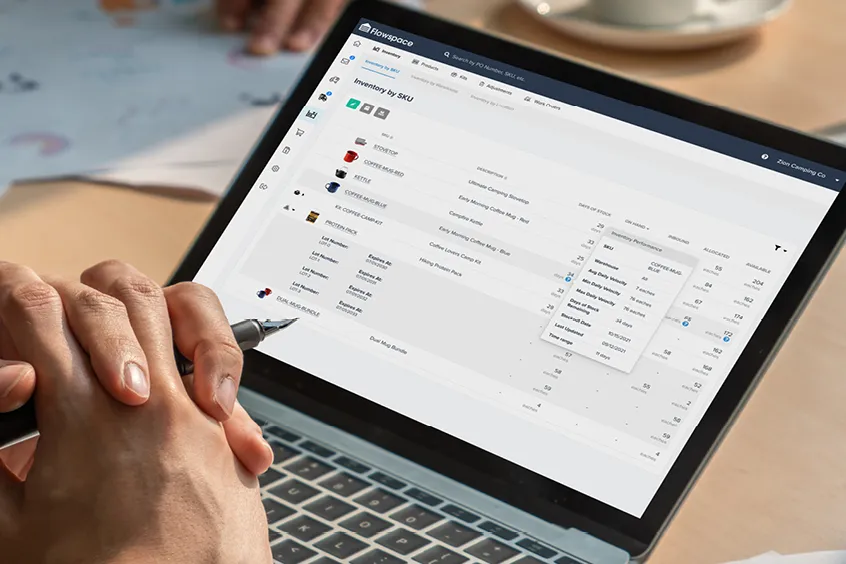
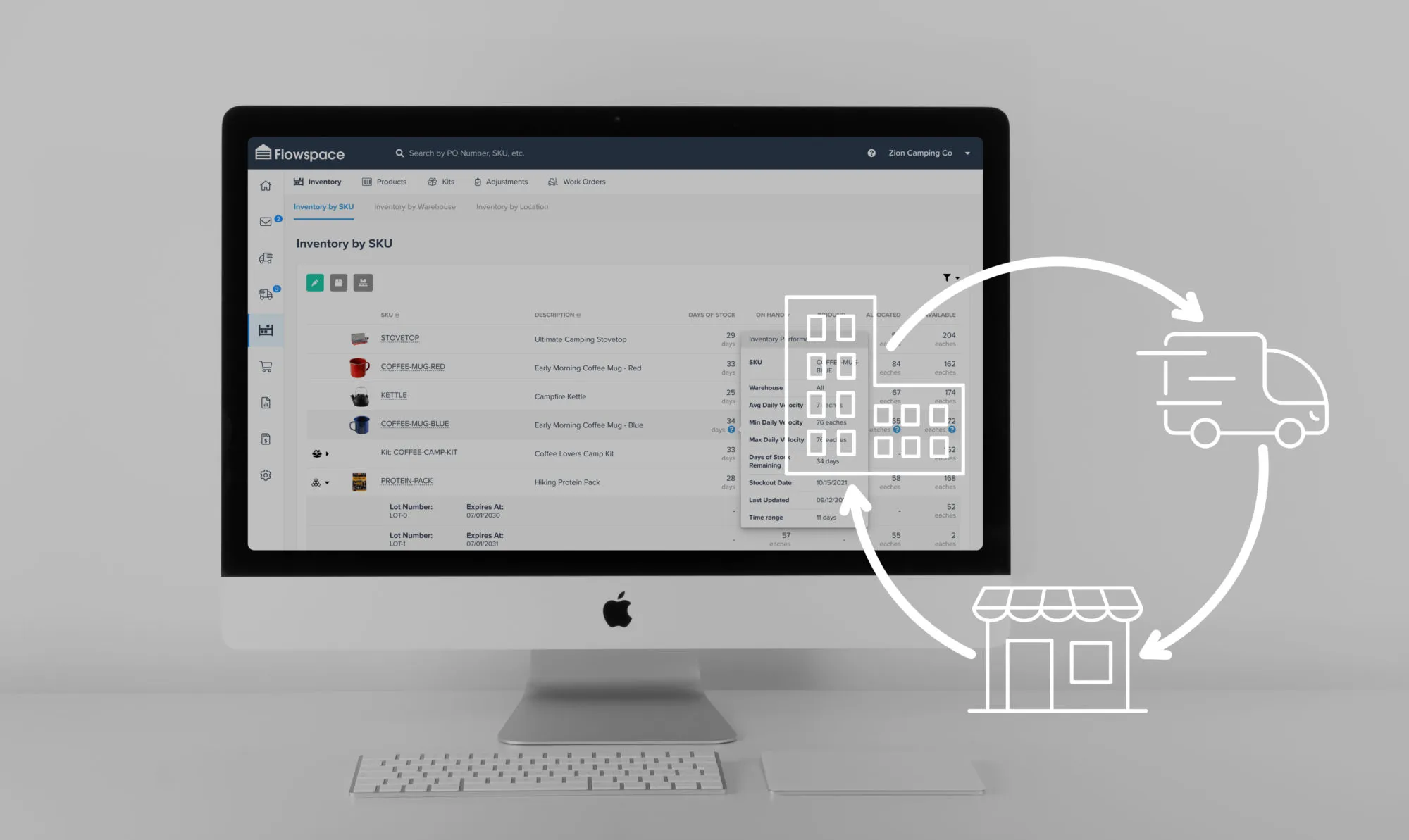
With real-time inventory visibility, days-of-stock predictions, and configurable low-inventory alerts, brands can identify products that may need replenishment and make more informed inventory decisions.
Explore Flowspace's inventory management capabilities or talk to our team.
Last Updated
category
Related articles






























Start simplifying fulfillment with Flowspace today
Discover how Flowspace can simplify fulfillment and help your brand scale faster, with no long-term contracts or hidden commitments.
